
 USD
USD CAD
CAD EUR
EUR GBP
GBP AUD
AUD NZD
NZD CHF
CHF SEK
SEK NOK
NOK JPY
JPY CNY
CNY INR
INR SGD
SGD MXN
MXN BRL
BRL ZAR
ZAR KRW
KRW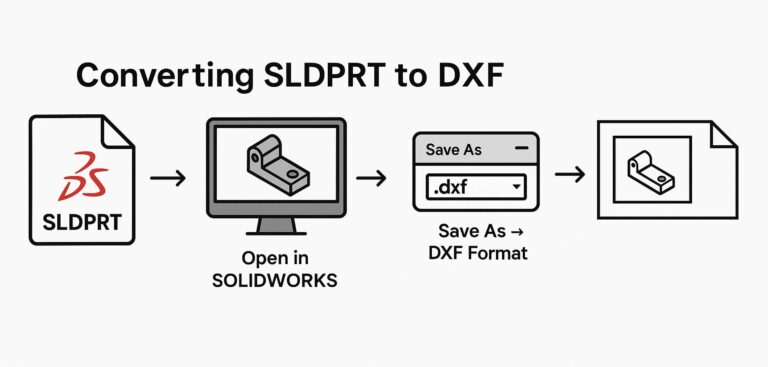
macros
SolidWorks Macro to Export Sheet Metal to DXF in SOLIDWORKS
Description The macro processes an active SOLIDWORKS assembly file (.SLDASM) in a systematic fashion, finds each sheet metal
Description The macro processes an active SOLIDWORKS assembly file (.SLDASM) in a systematic fashion, finds each sheet metal
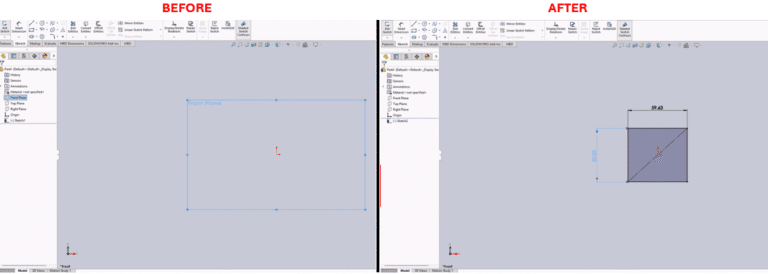
Description You can utilize the tool for the purpose of creating a rectangle that is centered about the
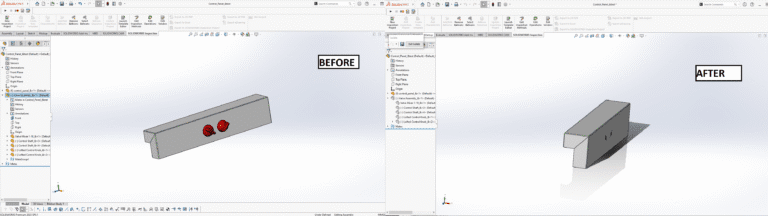
Description Pre-select one or more components in an assembly and execute the macro. The selected components will become
Description This macro is a one-action solution that exports the active SolidWorks drawing as a PDF file. It
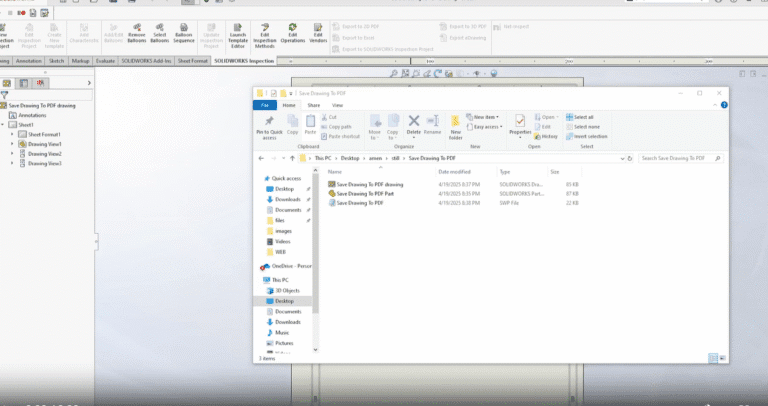
Description System Requirements Pre-requisites Results Steps to Set Up the Macro To configure the macro in your SolidWorks
Description The SOLIDWORKS macro provided here is a means to batch export configurations to STEP. System Requirements Pre-requisites
