US$0.00
0

Category: macros

SolidWorks Macro to Instantly Isolate Selected Components in an Assembly

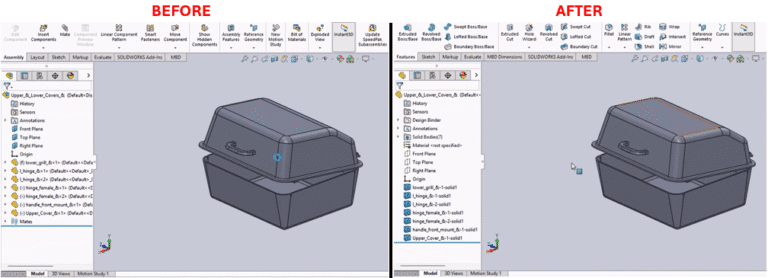
Description Pre-select one or more components in an assembly and execute the macro. The selected components will become isolated in the assembly. The SolidWorks macro to instantly isolate selected components in an assembly can be placed on the Graphics Area menu (which pops up when you right-click a component) for convenient access. System Requirements Prerequisites Results Steps to Set Up the Macro VBA Macro Code Macro You can download the macro from here. We build custom macros and add-ins that meet your specific workflow needs. Contact us to discuss custom development needs and projects!

Read More »

SOLIDWORKS Macro to Save Drawings as PDF (Toolbar Button Integration)

Description This macro is a one-action solution that exports the active SolidWorks drawing as a PDF file. It combines all the drawing sheets into one single PDF file. This utility is made to be paired with a custom button on the SolidWorks toolbar as a quick one-click way for engineers to create a SolidWorks PDF directly from the drawing environment. The SOLIDWORKS macro to save drawings as PDF makes this process even more efficient by automating the export with a single command. System Requirements Pre-Conditions Results Steps to Set Up the Macro To create the one-click PDF export functionality: VBA Macro Code Macro You can download the macro from here Need a Macro Developed to Improve Your Custom Workflow? Contact us to either customize this macro or build completely new solutions to satisfy your specific workflow needs precisely.

Read More »

SOLIDWORKS Macro to Save Drawing as PDF (Instant Export)

Description System Requirements Pre-requisites Results Steps to Set Up the Macro To configure the macro in your SolidWorks environment, complete the following steps:  This process essentially creates a SOLIDWORKS macro to save drawing as PDF, allowing users to quickly generate PDM files directly from the drawing environment. VBA Macro Code Macro You can download the macro from here. Need experts’ help for customization? Contact us today and let us find your custom solutions that fit the automation of SolidWorks your way!

Read More »

SOLIDWORKS Macro for Automated Batch Export of Configurations to STEP

Description The SOLIDWORKS macro provided here is a means to batch export configurations to STEP. System Requirements Pre-requisites Results Steps to Set Up the Macro After the macro has been run, you will then be prompted to input two critical parameters: Verify Completion Confirm the outcome of the process: VBA Macro Code Macro You can download the macro from here Our team of experts is at your service! Contact us today to develop a custom solution that meets your specific workflow needs!

Read More »

SOLIDWORKS Macro to Create Custom ISO Views (8 Orientations)

Description System Requirements Pre-requisites Results Steps to Implement the Macro VBA Macro Code Macro You can download the macro from here Need to modify the macro to meet specific requirements? Contact us today to see how our experience can help provide you with a custom solution for maximizing your engineering efficiency.

Read More »
0
    0
    Your Cart
    Your cart is emptyReturn to Shop