
 USD
USD CAD
CAD EUR
EUR GBP
GBP AUD
AUD NZD
NZD CHF
CHF SEK
SEK NOK
NOK JPY
JPY CNY
CNY INR
INR SGD
SGD MXN
MXN BRL
BRL ZAR
ZAR KRW
KRW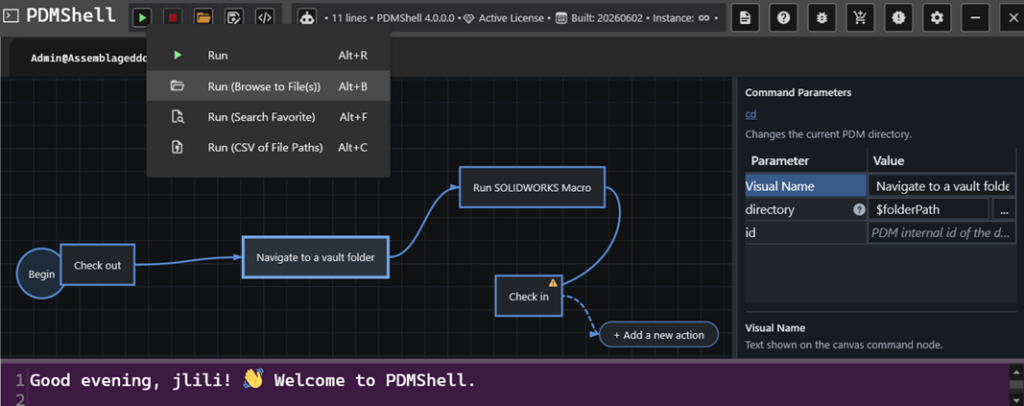

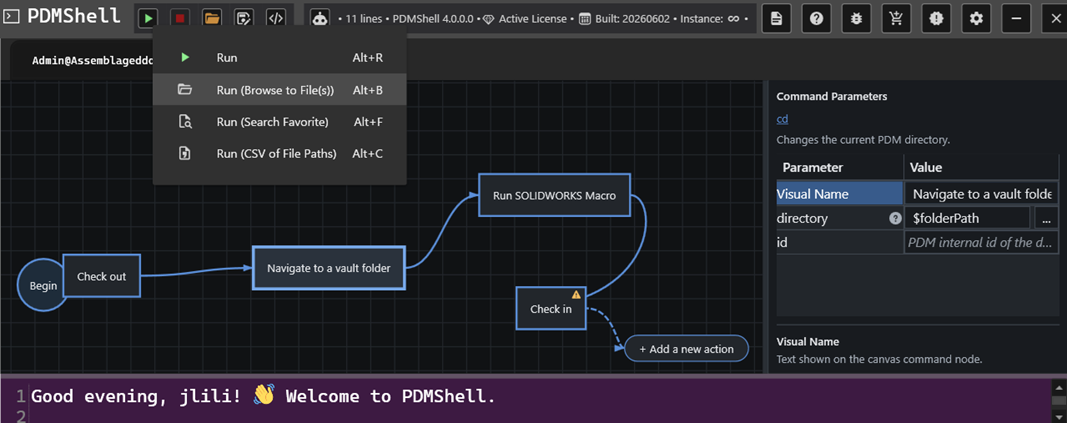
If you work in engineering IT or CAD administration, you’ve likely spent hours trying to make different software systems talk to each other. When searching for ways to automate these clunky processes, two tools with confusingly similar names always pop up: PowerShell and PDMShell. They sound like variations of the same thing, but they aren’t. One is a massive tool built by Microsoft for managing entire corporate networks. The other is a sharp, niche utility built by Blue Byte Systems specifically for SOLIDWORKS PDM Professional.
Let’s break down what they actually do, how they differ, and why you might end up using both.
The easiest way to understand the difference is by looking at what they were built to control. PowerShell is for your entire operating system and cloud environment. PDMShell is strictly for your SOLIDWORKS PDM vault.
| Feature | PowerShell | PDMShell |
|---|---|---|
| What does it control? | Windows, cloud servers, and networks | SOLIDWORKS PDM vaults only |
| Who made it? | Microsoft | Blue Byte Systems Inc. |
| How do you use it? | Advanced programming (.NET objects) | Simple text scripts (.pdmshell) |
| Who is it for? | IT Admins and DevOps Engineers | CAD Admins and Data Managers |
| How do you get it? | Built right into Windows | Download from pdmshell.com |

PowerShell is Microsoft’s heavy-duty automation framework. It is incredibly powerful because it doesn’t just read plain text; it understands actual data objects. If an IT admin needs to create 50 new user accounts in Active Directory, back up a server to the cloud, or update software registry keys across an entire department, they use PowerShell.
The downside? It has a steep learning curve. Because it is a full programming language tied to Microsoft’s .NET framework, you need a decent grasp of coding logic and complex syntax to get anything done.

PDMShell: The SOLIDWORKS Short-Cut. If you’ve ever tried to customize SOLIDWORKS PDM, you know that interacting with its API usually requires writing complex C# or VB.NET code in Visual Studio. For a CAD manager who just wants to get a job done, this is often overkill. That is why Blue Byte Systems built PDMShell. It acts as a friendly middleman for the complex PDM API. Instead of writing lines of heavy code, you write simple text scripts using straightforward, built-in commands like checkout, checkin, or addtovault. It plugs right into your existing PDM Tasks and Dispatch actions, letting you automate boring vault tasks without needing a degree in software engineering.