
 USD
USD CAD
CAD EUR
EUR GBP
GBP AUD
AUD NZD
NZD CHF
CHF SEK
SEK NOK
NOK JPY
JPY CNY
CNY INR
INR SGD
SGD MXN
MXN BRL
BRL ZAR
ZAR KRW
KRW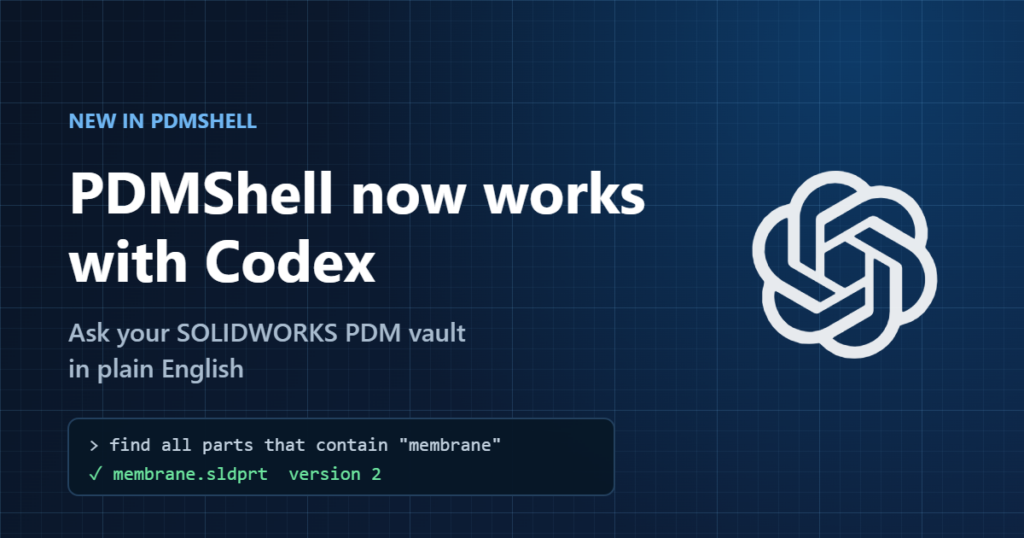

Your SOLIDWORKS PDM vault just learned to take instructions in plain English. PDMShell now works with Codex, OpenAI’s AI assistant, so you can ask a question about your vault and get the answer in seconds, without digging through folders or building a search by hand.
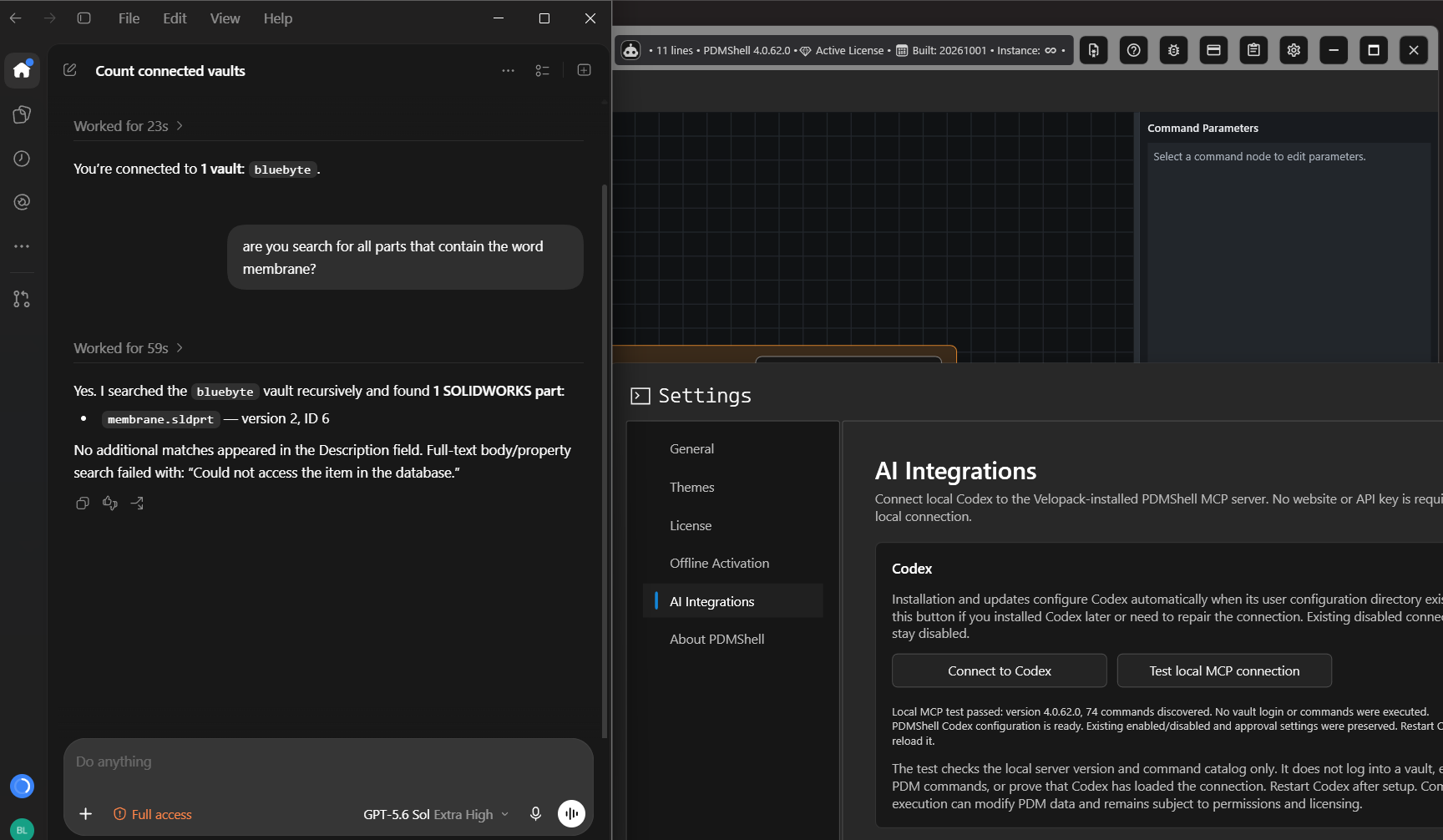
Here is a real example. We asked Codex how many vaults we were connected to, then asked it to find every part with “membrane” in the name. A minute later it came back with the file, its version and where it lives.
What you can ask
- Find files fast. “Find all parts that contain the word membrane.”
- Check status. “List the drawings in Projects/Released that are in the Approved state.”
- Get answers about your vault. “Which vaults am I connected to?”
- Handle the busywork. Check in, move, rename or update data cards on many files at once, with you approving each step.
Why teams like it
- No scripting needed. Describe what you want and Codex works out the steps.
- Your data stays with you. Codex works with PDMShell on your own computer, inside your own vault.
- You stay in control. You see and approve what Codex wants to do before anything changes, and it can only do what your PDM permissions allow.
- Nothing extra to buy. It uses your existing PDMShell license. No API keys, no extra sign-ups.
Set up in a minute
If Codex is already on your computer, the PDMShell installer connects the two for you. Otherwise, open PDMShell, go to Settings > AI Integrations, click Connect to Codex, then restart Codex. That is it.
Prefer Claude? PDMShell works with Claude Desktop too. Step-by-step guides for both are in the PDMShell documentation.
Try it on your vault
Codex support is included in PDMShell 4.0.62 and later. Start a free 7-day trial, see plans and pricing, or book a short demo and we will show it working on a vault like yours.