US$0.00
0

Export SLDPRT and SLDASM to HTML with PDMPublisher

Ever found yourself in a bind needing to send a SOLIDWORKS file to someone without the program? No fun at all, is it? You’ve just spent some time getting a design ready, but getting that massive .SLDPRT or .SLDASM file
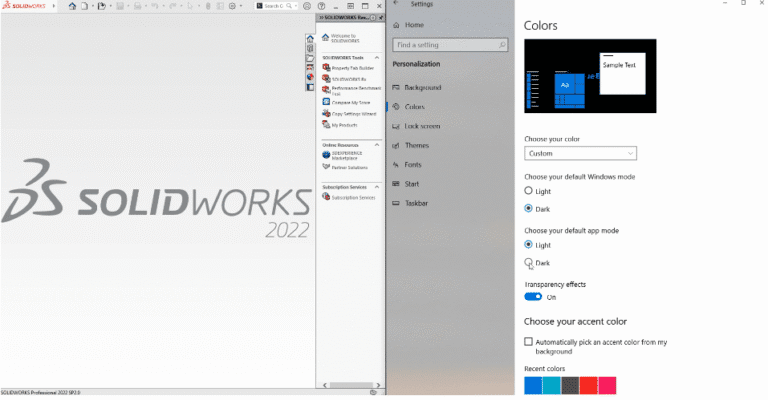
Sync your Windows 10 default app mode with SOLIDWORKS 3D and Screenshot of SOLIDWORKS 2022 Professional (2022 SP3.0) with the Windows Settings app open side-by-side. The left side shows the SOLIDWORKS splash screen with a large "DS SOLIDWORKS 2022" logo centered on a light gray background and the main menu bar at the top. The right side displays the Windows Settings > Personalization > Colors page, where "Dark" mode is selected under "Choose your default app mode," the toggle for "Transparency effects" is on, and a custom accent color is being chosen. The taskbar and desktop are visible in dark theme, demonstrating how SOLIDWORKS appears when Windows is set to dark mode.

Dark/Light theme: Sync your Windows 10 default app mode with SOLIDWORKS 3D

SOLIDWORKS 3D offers users a dark and a light theme. To sync your Windows 10 default app mode with SOLIDWORKS 3D, you can use a custom add-in that automatically aligns the theme with your system settings. There is a setting
How to Launch SOLIDWORKS 3D Using the SolidWorks Command Line Arguments

How to Launch SOLIDWORKS 3D Using the SolidWorks Command Line Arguments

Need to start SOLIDWORKS in a specific set of behaviors or modes? Wellโ€ฆ You can with the SOLIDWORKS command line arguments via the sldworks.exe program. Use the arguments as special instructions you pass to SOLIDWORKS just before it launches, telling

0
    0
    Your Cart
    Your cart is emptyReturn to Shop