
 USD
USD CAD
CAD EUR
EUR GBP
GBP AUD
AUD NZD
NZD CHF
CHF SEK
SEK NOK
NOK JPY
JPY CNY
CNY INR
INR SGD
SGD MXN
MXN BRL
BRL ZAR
ZAR KRW
KRWFrom 35 minutes to under 3 per manufacturing package
A Pacific Northwest manufacturer was printing drawings one by one, typing quantities in Acrobat and merging PDFs by hand. PDMPublisher turned the whole job into one click from the top-level assembly.
High volume, and every package built by hand
A Pacific Northwest manufacturer keeps its SOLIDWORKS designs in SOLIDWORKS PDM. Every job goes to production as a package: the drawings for the assembly, merged into one PDF, with the quantity of each part marked on its sheet.
Between 2023 and 2024 they produced tens of thousands of PDFs and merged several thousand of these packages.
Four manual steps for every package
Each step was simple. Repeated thousands of times a year, they added up to a part-time job nobody wanted.
Find the drawings
Search the vault for every drawing in the assembly.
1 to 5 minFilter documents
Pick the right drawings and leave out what the shop does not need.
5 to 10 minPrint and merge
Print each drawing to PDF, then combine them into one package.
10 to 15 minAdd BOM quantities
Open Acrobat and type the quantity onto each sheet.
3 to 5 minOne click from the top-level assembly
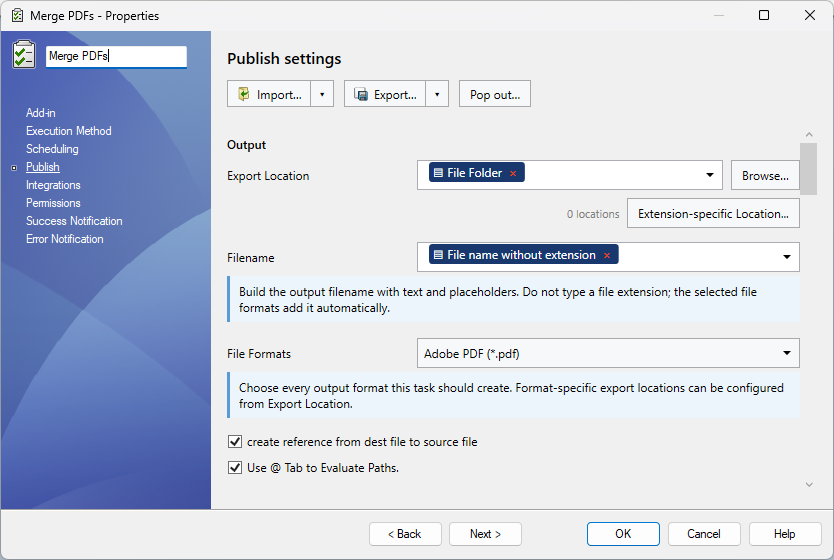
We set up PDMPublisher in their vault so the whole package builds itself, the same way every time.
One click, whole assembly
Start from the top-level assembly and PDMPublisher collects every drawing it references.
Smart selection
Conditions decide which documents go in, so nobody filters by hand.
Automatic merging
Every PDF lands in a single package, in the right order.
Notes on every sheet
BOM quantities and other notes are stamped on each drawing. No more Acrobat.
Before and after PDMPublisher
Times are per manufacturing package unless noted.
| Step | Manual | With PDMPublisher |
|---|---|---|
| Finding drawings | 1 to 5 min | Automated |
| Filtering documents | 5 to 10 min | Automated |
| Printing and merging PDFs | 10 to 15 min | Under 3 min |
| Adding BOM quantities | 3 to 5 min | Automated |
| Total per package | 19 to 35 min | Under 3 min |
| Time per year | 1,000+ hours | About 250 hours |
| Cost per year | $50,000+ in labor | About $3,000 in software |
How much time is your team losing?
Move the sliders to match one typical project. The numbers update as you go.
after the cost of PDMPublisher
Assumptions: finding takes about 1 minute once automated, converting about 10% of the manual time, and notes and merging about 1%. Software cost is estimated at $3,000 a year. Your results will vary.