
 USD
USD CAD
CAD EUR
EUR GBP
GBP AUD
AUD NZD
NZD CHF
CHF SEK
SEK NOK
NOK JPY
JPY CNY
CNY INR
INR SGD
SGD MXN
MXN BRL
BRL ZAR
ZAR KRW
KRW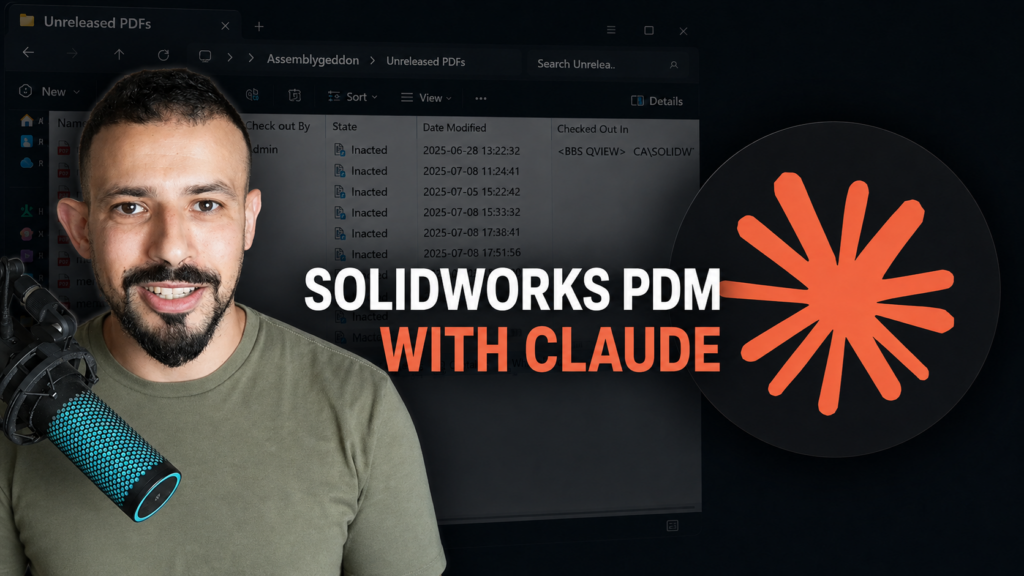

Most SOLIDWORKS PDM administrators are used to working through Windows Explorer, administration tools, scripts, and custom add-ins. These tools are powerful, but even a simple question can require several steps.
For example:
- How many files are in this folder?
- Which files are currently checked out?
- Who has a particular file checked out?
- What state or revision is this file in?
- Can I undo the checkout on a specific file?
The PDMShell MCP Server provides another way to work with this information. It connects Claude to SOLIDWORKS PDM through PDMShell, allowing users to ask questions about their vault using normal language.
What is MCP?
MCP stands for Model Context Protocol. It provides a standard way for an AI application such as Claude to connect to external tools and data sources.
Claude does not connect directly to the PDM database. Instead, it sends a structured request to the PDMShell MCP Server. PDMShell then performs the requested operation through the SOLIDWORKS PDM environment and returns the result.
The basic flow is:
Claude → PDMShell MCP Server → SOLIDWORKS PDM Vault
This gives Claude access to specific PDM tools without requiring the user to write a command or API application for every request.
A practical example
In my test vault, I asked Claude:“Can you tell me how many files are in the Unreleased PDFs folder?”
Claude used the PDMShell MCP Server to inspect the folder and returned the number of files. It also identified which files were checked in and which file was checked out.
I could then follow up with:
“Can you undo the checkout on the file ending in R_002?”
Because Claude already had the context from the first request, I did not need to enter the complete file path again.
This is where the connection becomes useful. It is not only a chatbot answering general PDM questions. It can use tools provided by PDMShell to retrieve current information from the vault and, when permitted, perform an operation.
Why use natural language?
PDMShell already provides commands for automating common PDM operations. The MCP Server adds a conversational layer on top of those tools.
Instead of remembering the exact syntax of a command, a user can describe the result they need. Claude interprets the request, selects the appropriate PDMShell tool, and presents the result in a readable format.
This could be useful for:
- Finding files and folders
- Reviewing file information
- Checking file status and metadata
- Identifying checked-out files
- Investigating vault problems
- Running approved PDM operations
- Building more advanced PDM automation workflows
It can also help administrators explore a problem before deciding what action to take.
Permissions still matter
Connecting Claude to PDM should not bypass the existing security model.
PDMShell operates within the permissions of the logged-in PDM user. If that user cannot access a folder or perform an operation, the MCP Server should not provide a way around that restriction.
Write operations also need to be handled carefully. Reading the contents of a folder is very different from deleting a file, changing metadata, or undoing another user’s checkout.
For that reason, the server should expose only the tools that are required. Important actions should also be reviewed before they are executed.
This does not replace PDM administrators
The goal is not to let AI make uncontrolled decisions inside a production vault.
PDM administrators still define the workflows, permissions, variables, naming rules, and automation requirements. Claude provides a simpler way to interact with the tools that have been made available through PDMShell.
The administrator remains in control of what Claude can access and which operations it can perform.
Where this can go next
The first use cases are straightforward: search the vault, inspect folders, read file information, and perform controlled file operations.
The more interesting possibilities come from combining several operations. A user could ask Claude to identify files matching specific conditions, summarize the results, and prepare the next action for approval.
That could make routine PDM administration faster while still keeping the vault’s permissions and business rules in place.
The PDMShell MCP Server is an early step toward making SOLIDWORKS PDM easier to work with through modern AI tools. It combines the automation capabilities of PDMShell with Claude’s ability to understand normal language and maintain context throughout a conversation.
