
 USD
USD CAD
CAD EUR
EUR GBP
GBP AUD
AUD NZD
NZD CHF
CHF SEK
SEK NOK
NOK JPY
JPY CNY
CNY INR
INR SGD
SGD MXN
MXN BRL
BRL ZAR
ZAR KRW
KRWHome/Store/SOLIDWORKS PDM Professional task
PDMPublisher for SOLIDWORKS PDM
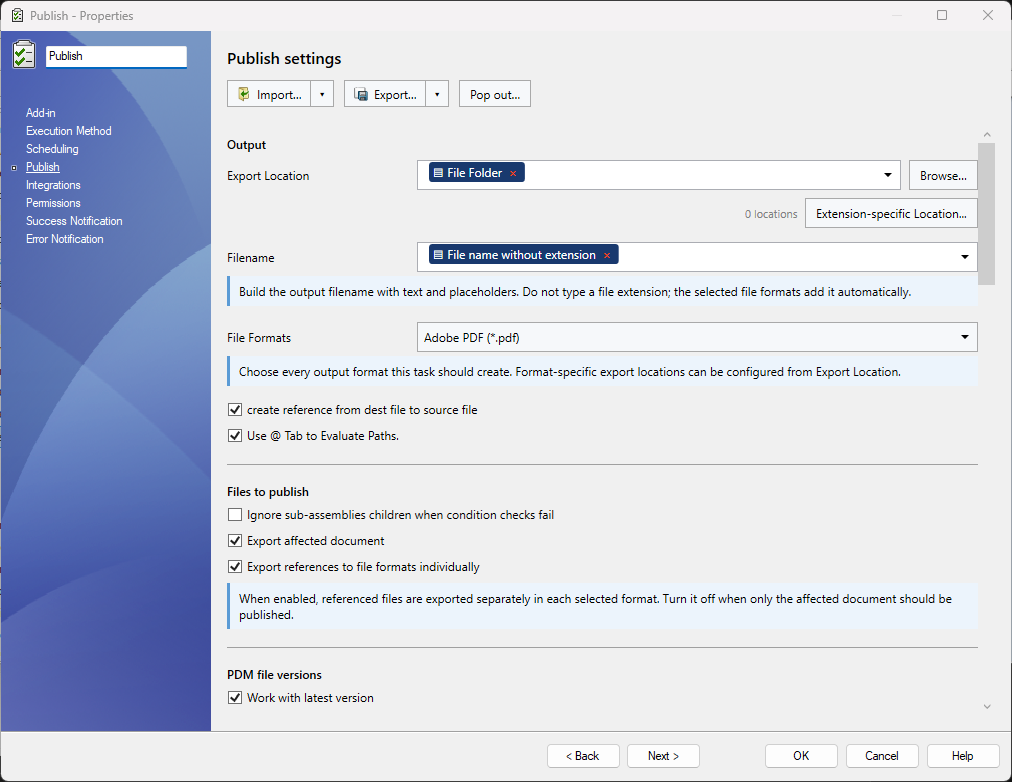
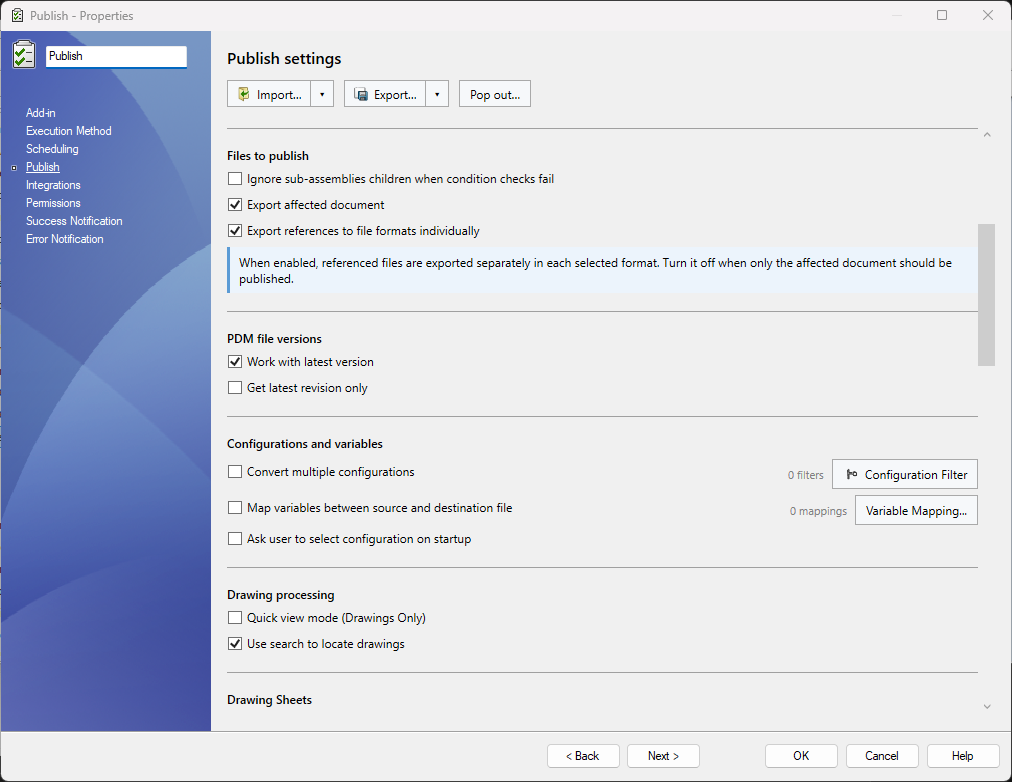
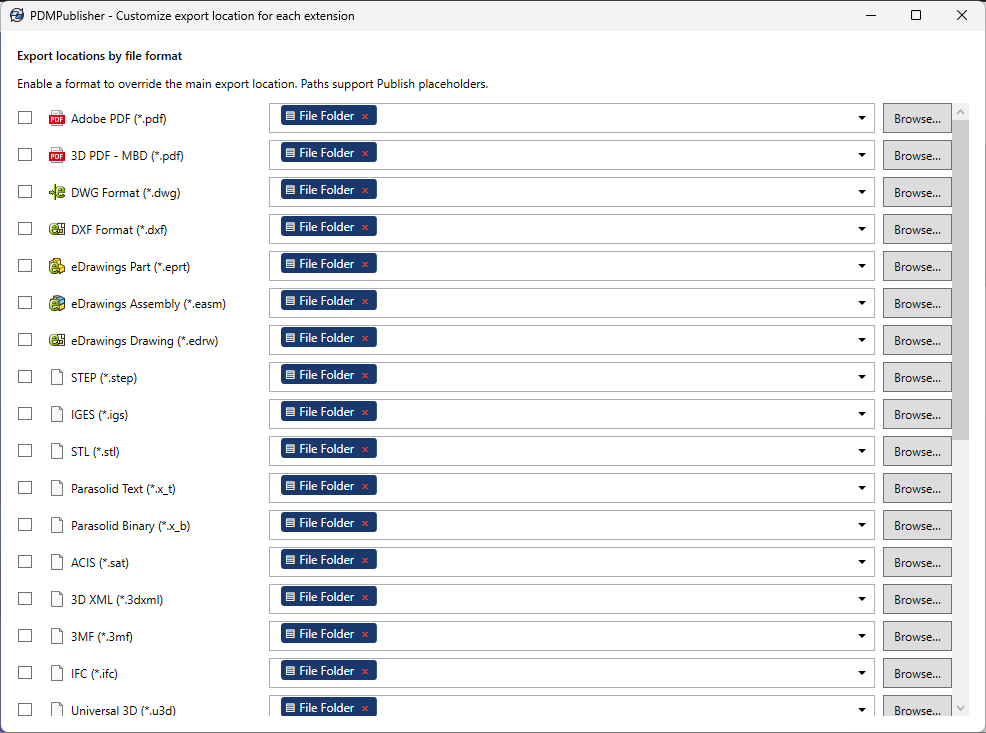
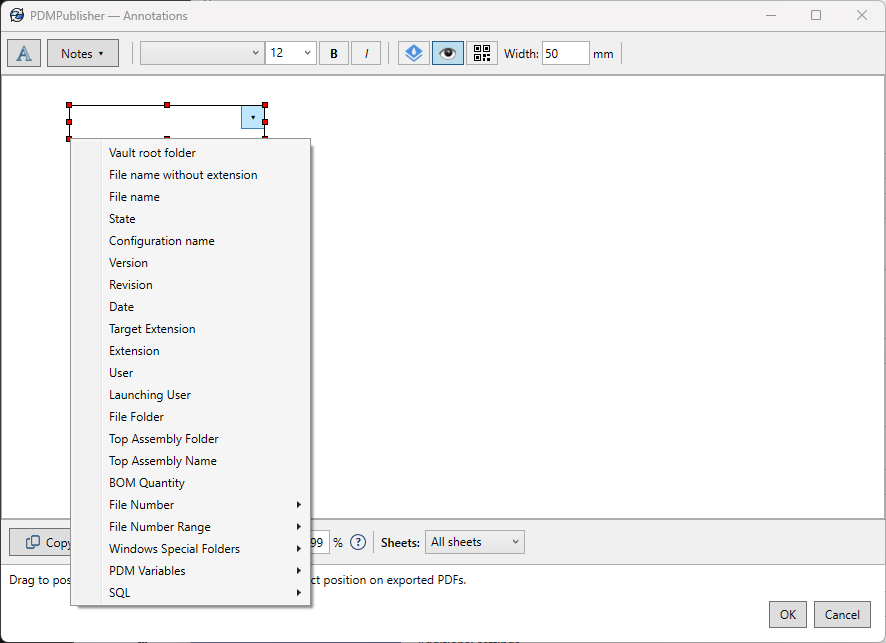
Release once, publish everything. When a file reaches a state you choose, PDMPublisher exports the drawings, models and documents your shop floor, suppliers and ERP need, then names, merges, stamps and files them from datacard variables.
- One license per vault, unlimited users
- 7-day free trial
- Certified SOLIDWORKS Solution Partner
One license per vault
Every user in the vault and unlimited concurrent task runs, for one yearly price.
Replaces manual exports on every release, and the custom Dispatch scripts that cost more to maintain.
Free trial
Try it in your own vault
7 days, no credit card
Start free trial- Full task in your vault
- Trial key by email
- Upgrade when ready
Vault license
For the whole team
per vault per year
About US$125 per month
Unlimited users: less than one engineer-day per month
- Unlimited users
- Unlimited concurrent task runs
- Every output format
- Workflow, right-click and scheduled runs
- PDF merging, stamps and naming rules
Multi-vault or PO
Several vaults or longer terms
Purchase order or invoice
Request a quote- Several vaults
- 2 and 3 year terms
- Purchase order or invoice
Prefer to buy through your SOLIDWORKS reseller? PDMShell and PDMPublisher are also sold by our reseller partners. See all resellers
 Hawk Ridge Systems
 Strojotehnika
Hands-off publishing on release
Runs from workflow transitions, from the right-click menu or on a schedule, so nobody has to remember to publish.
See it in action
Real screens from the product.
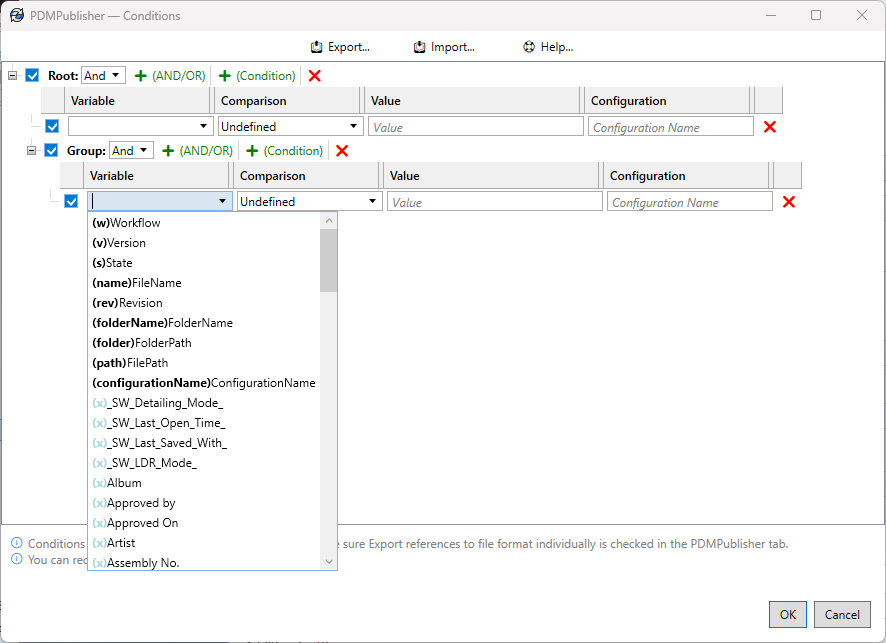
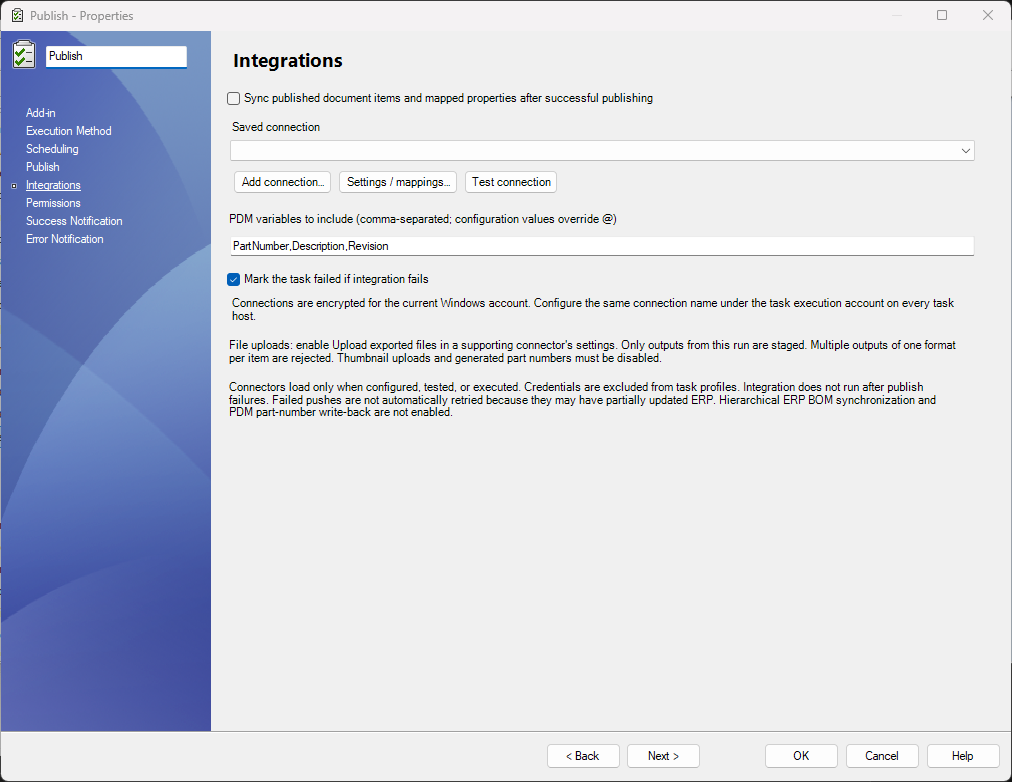
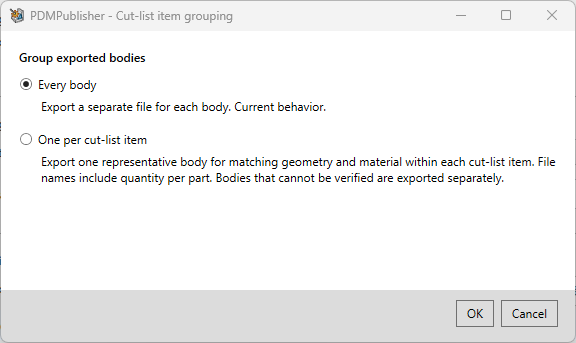
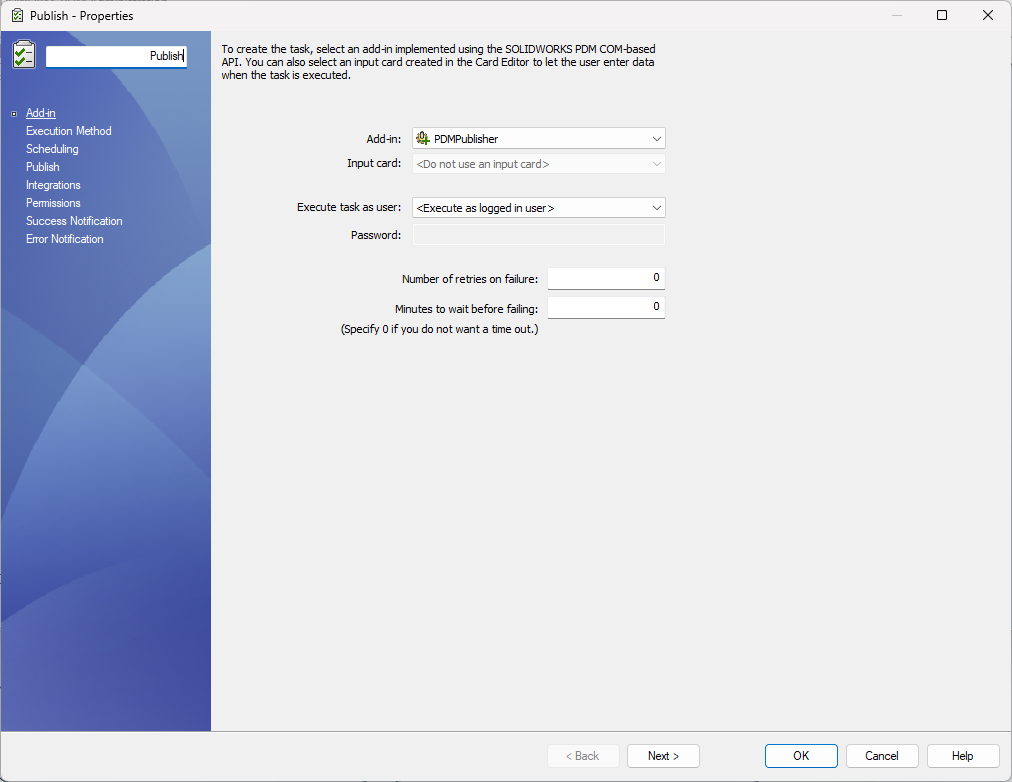
Which PDMPublisher do I need?
SOLIDWORKS add-in
PDMPublisher for SOLIDWORKS
Runs inside SOLIDWORKS on each engineer's computer. One-click publishing, Property Doctor, Clone Tree and BOM tools. Choose this for on-demand publishing per seat.
View PDMPublisher for SOLIDWORKS →PDM Professional task
PDMPublisher
Runs on your PDM server and publishes automatically on workflow transitions, for the whole team. Choose this for hands-off publishing on release.
Questions
Not sure? Book a short call and we will help you choose.
How is it licensed?
Per vault, per year. One license covers unlimited users and unlimited concurrent task runs in that vault.
What does the task host need?
SOLIDWORKS PDM Professional 2018 SP0 or later, SOLIDWORKS installed on the machine that runs the task, and outbound port 443 to bluebyte.biz for license activation.
Can I try it first?
Yes. The 7-day trial checks out at no cost and you activate it in your own vault.
Do I need the SOLIDWORKS add-in as well?
No. The PDM task and the SOLIDWORKS add-in are separate products with separate licenses.
Stop publishing by hand
Start a 7-day trial in your own vault.